


Trusted IVF Software by Many Fertility Clinics
Empowering fertility clinics worldwide with reliable, cutting-edge solution to streamline operations and enhance patient care.












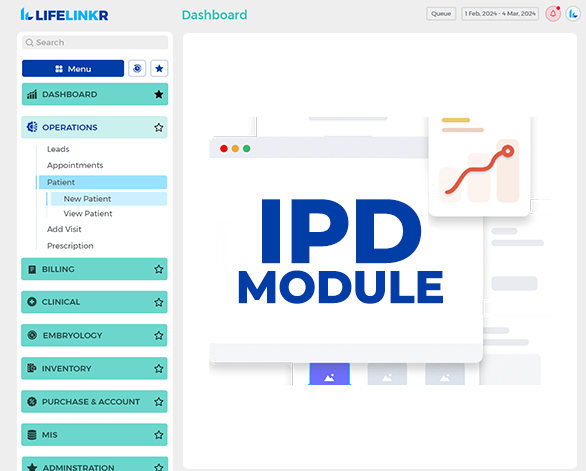
Latest Features Highlights
Discover how our newest tools enhance clinic efficiency, patient care and operational control seamlessly.
Trusted by Leading Publications Worldwide
Our innovative solutions and proven expertise have been recognized, featured and endorsed by global industry leaders.


















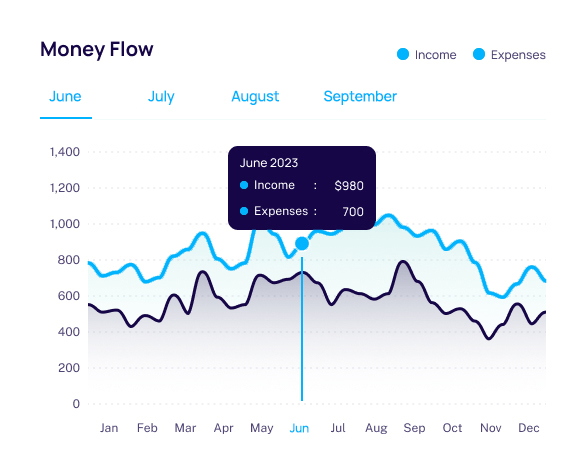
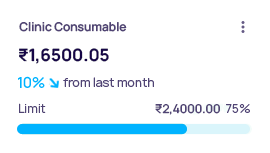
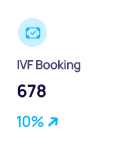
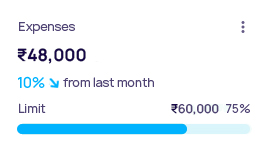
Insights for Clinic Performance Management
Gain valuable insights with our IVF software to easily track appointments, patient visits, clinic performance and revenue.
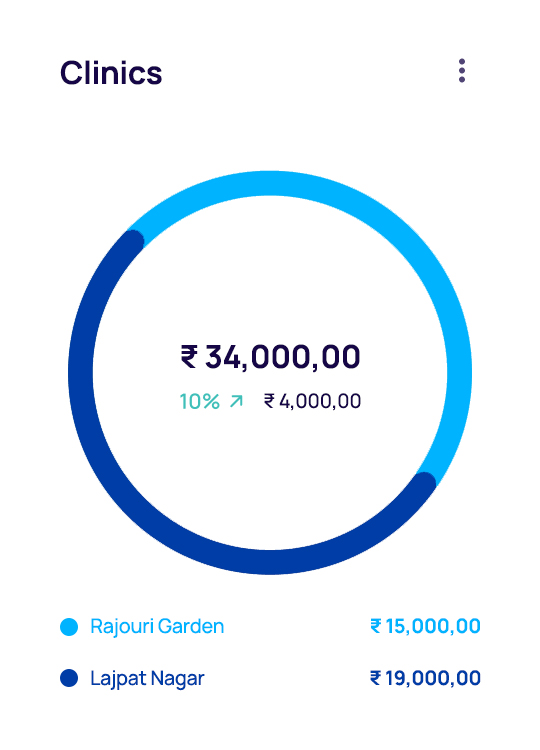
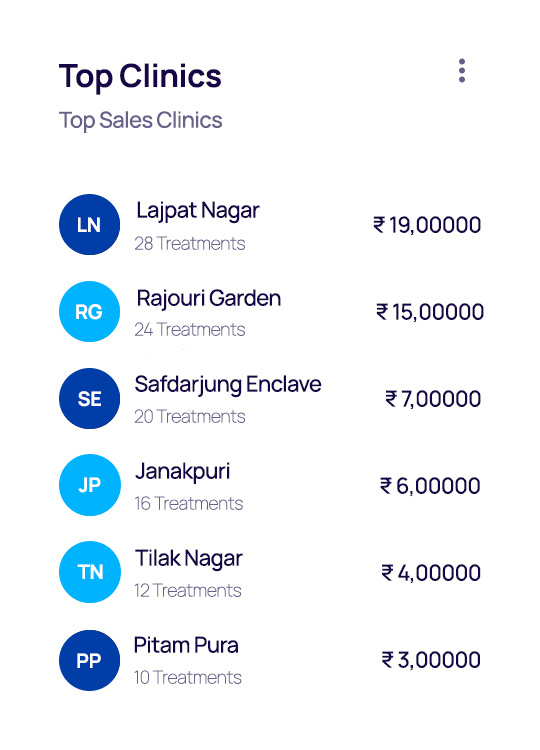
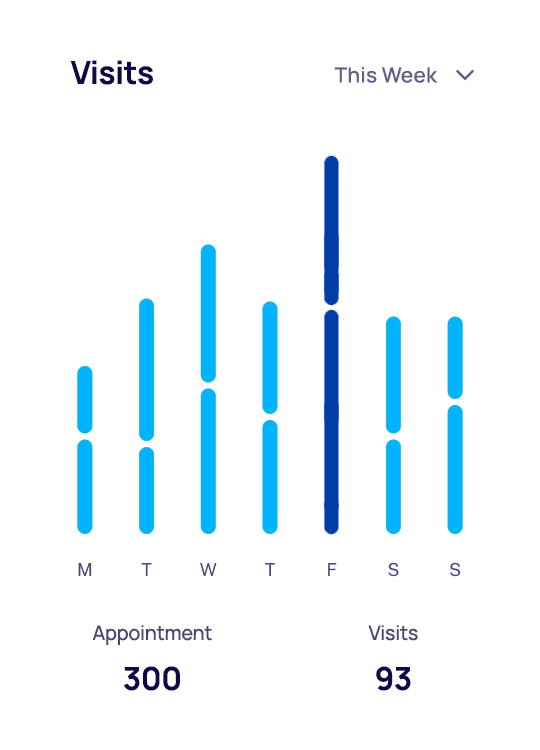
Recognized Achievements by Leading Companies
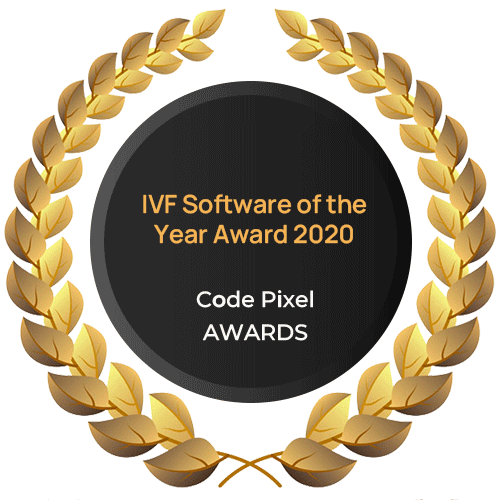
Honoring IVF industry awards, recognitions that reflect our commitment to innovation and excellence.







Speak Louder
The best way to showcase our IVF commitment is through the stories of clinics worldwide that trust our fertility software."
This IVF software makes managing my practice so much easier, I can focus more on my patients and less on paperwork.

I love how this fertility software keeps everything organized, It's been a huge help in running my clinic smoothly every day.

Thanks to LifeLinkr's fertility clinic software, patient management is a breeze now, This software has really simplified my workflow.

Experience the
Discover the standout features that make LifeLinkr IVF Software solutions reliable, efficient and highly secure.
Comprehensive Solutions for
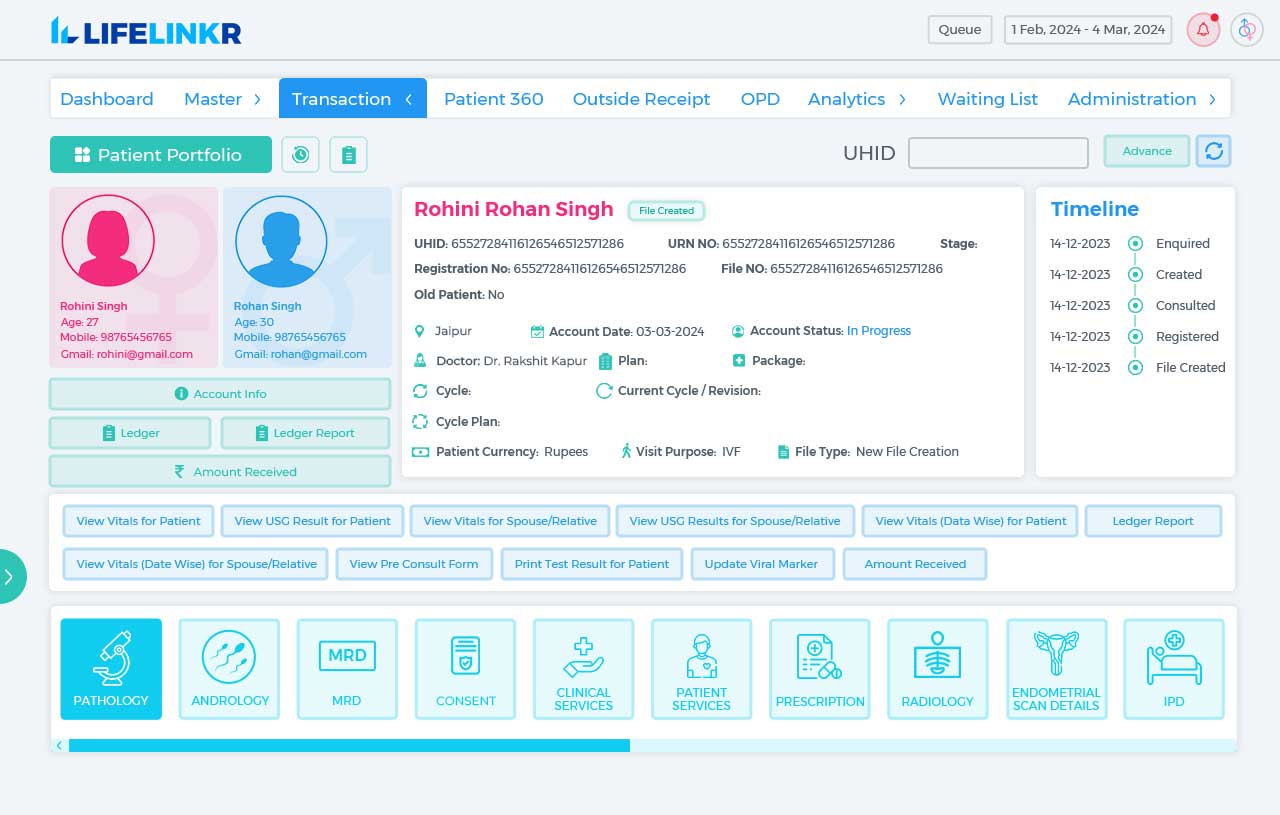
Optimize IVF clinic operations, patient care and data management with IVF clinic management software for maximum efficiency.
Designed for growing fertility clinics this IVF software reduces manual work improves coordination ensures accuracy and faster decisions.
We're here to help with all your IVF Software questions.
Everything you need to know about our fertility clinic software including product features usage billing plans upgrades and support options is covered here. This section is designed to help clinics understand how the platform works across daily operations clinical workflows and IVF management needs. You will also find helpful information about subscriptions payments invoices renewals and account management. If you cannot find the specific answer you are looking for our friendly and knowledgeable team is always available to assist you through live chat and personalized support.
Ask IVF CommunityInsights and Updates
Explore expert insights, tips, news and latest developments about our IVF clinic management software to enhance your IVF clinic's success.